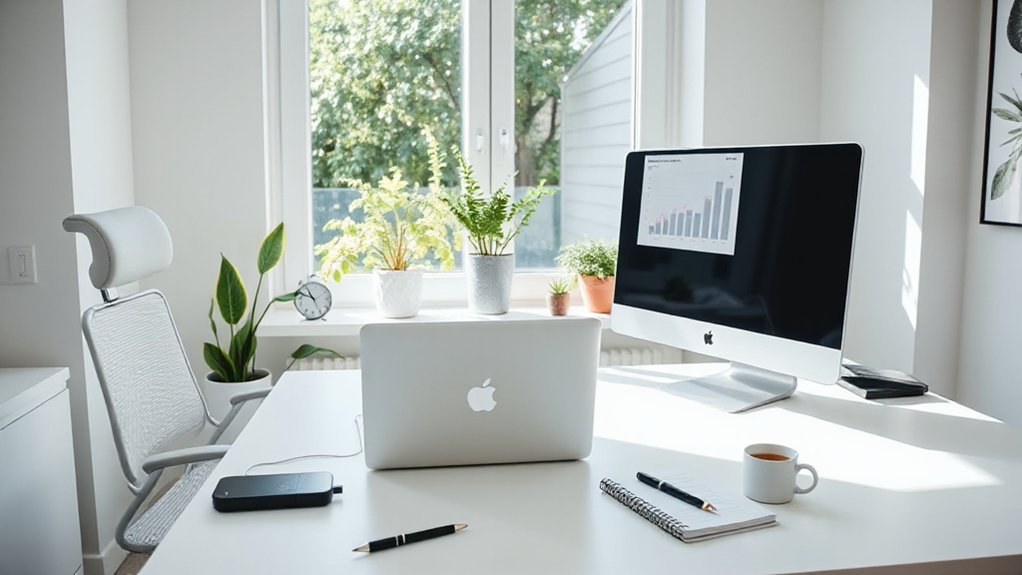
Set up a distraction-free WFH station with an ergonomic chair, proper desk height, and dual monitors to boost focus. Tidy storage, cable management, and a dedicated work zone reduce rummaging and resets. Maximize natural light, add a dimmable lamp at 4000–5000K, and use 300–700 lux at the desk for steady mood and energy. Batch notifications and schedule 25‑minute sprints with 5‑minute breaks to sustain momentum. If you want more actionable gear and routines, keep going.
How to Build a Distraction-Free WFH Station for Focus
To build a distraction-free WFH station, start with a dedicated, ergonomically sound setup that signals work mode—the moment you sit down, you should be able to focus without rummaging through piles or chasing notifications.
Prioritize a clean desk with only essential devices, plus a comfortable chair and proper monitor height.
Implement visual privacy by choosing a privacy screen or angled arrangement, which reduces off-screen temptations.
Use noise canceling headphones or a white-noise device to suppress ambient chatter, then set a confined, predictable work window each day.
Group tasks by priority, and batch notifications to a single interval.
Label cables, establish a quick look at a single dashboard, and test for fatigue after 45 minutes.
Track performance changes to validate the setup’s impact.
Assess Your Space: Budget, Footprint, and Priorities
Evaluating your space starts with a clear snapshot of budget, footprint, and priorities. First, define a realistic budget based on essential furniture and a contingency for upgrades. Measure your room to map usable footprint, noting door swings and outlets.
Rank priorities: working surface, storage, and minimal distractions. Prioritize ergonomics within constraints, selecting a chair and desk combo that fit your space and posture needs.
Compare furniture styles to balance cost and durability, and avoid clutter by assigning dedicated zones for work and overflow.
Plan wall colors that reduce glare and support focus, avoiding busy patterns. Use a simple scoring method to test layout options before buying. Keep the plan flexible, updating as you confirm real-world usage.
Lighting That Supports Mood and Productivity
What lighting best supports mood and momentum? Start with a lighting plan that lets you control brightness and color temperature by task. Prioritize natural light where you work most of the day; position your desk to face a window if possible, avoiding harsh glare.
Use ambient lighting to reduce contrast between screen and surroundings, choosing a dimmable overhead or wall light to create an even baseline. Add a desk lamp with a cool white (around 4000–5000K) for focus tasks, switching to warmer tones (2700–3000K) for breaks or low-intensity work.
Measure illumination with a simple app or a lux meter; aim for 300–700 lux at the desk during peak tasks, and adjust throughout the day.
Ergonomic Setup for Comfort and Stamina
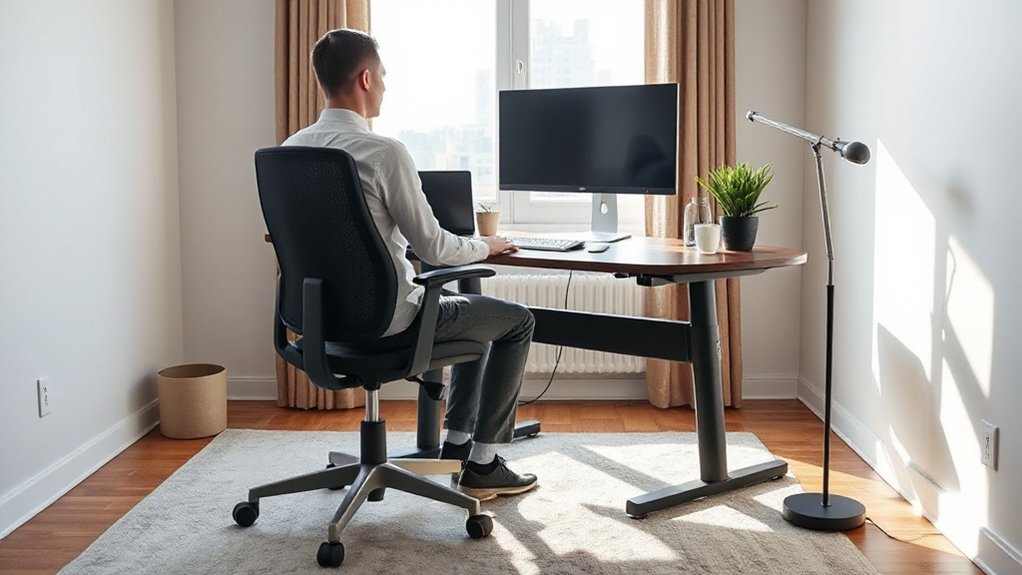
Start by dialing in your ergonomic keyboard positioning so your wrists stay straight and your shoulders relax. Pair that with proper posture and seating alignment, and you’ll reduce strain while boosting stamina over long workdays.
We’ll explore practical, data-backed tweaks you can implement now to optimize comfort and productivity.
Ergonomic Keyboard Positioning
So, how should you position your keyboard to reduce strain and boost stamina during long work sessions? Keep your keyboard at elbow height, with forearms parallel to the floor and wrists in a neutral, straight line. Use a negative tilt or a slight incline that keeps your hands at or just below elbow level, preventing bending.
Align keys under your dominant fingers to minimize reach, and consider a split or compact keyboard if you experience shoulder or wrist tension. Maintain typing cadence that favors light keystrokes and short pauses to reduce fatigue.
Prioritize keyboard ergonomics by testing different angles and widths, and adjust monitor height to keep eyes level. Focus on typing comfort to sustain productivity all day.
Posture and Seating Alignment
Good posture starts with a seated foundation: sit tall with your spine supported, feet flat on the floor, and knees at about a 90-degree angle. Your chair should offer lumbar support that fills the natural curve of your lower back, reducing thoracic strain over long sessions.
Position the monitor so the top third is at or slightly below eye level, preventing forward head tilt. When you type, keep elbows close to your body and wrists neutral to minimize tendon load.
A standing desk isn’t a substitute for breaks; alternate 30–60 minutes upright with 5–10 minutes seated relief. Use a simple lumbar-support accessory if your chair lacks built-in support.
Track comfort metrics daily and adjust chair height and desk depth to maintain neutral alignment.
Smart Storage to Keep Your Desk Clutter-Free
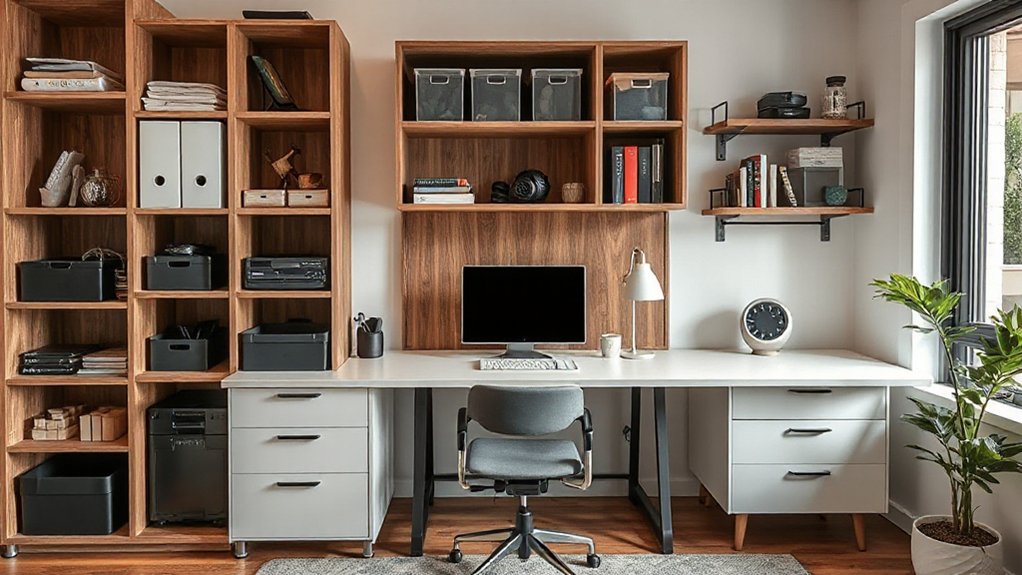
Smart storage can transform a cluttered desk into a productive workspace by keeping essentials within easy reach and hiding what you don’t need. You’ll gain faster focus if you implement a simple, data-driven setup: classify items by frequency of use, then assign dedicated spots.
Use a file cabinet to store documents you don’t need daily, and choose drawers with labels to reduce search time. Optimize your top surface with a shallow tray for current projects and a small mail organizer for incoming items.
Cable management matters: route power cords behind a monitor arm and bundle excess with Velcro ties, preventing tangles and desk spillovers. Evaluate weekly, discarding duplicates and evaluating tool necessity to sustain a clean, efficient flow.
Tech Essentials for Seamless Workflows
To keep workflows seamless, prioritize tech that accelerates tasks rather than adds steps: a reliable laptop or workstation, a fast internet connection, and a monitor setup that minimizes switching costs.
Invest in a calibrated keyboard and mouse, dual monitors, and a docking station to reduce idle time between devices.
Choose software that supports virtual collaboration with real-time editing, status indicators, and secure file sharing; streamline with templates and automation to cut repetitive steps.
Regularly update drivers and firmware to minimize tech troubleshooting pauses.
Measure impact using task completion rates and time-to-delivery metrics.
Keep backups and a simple recovery plan for outages.
This setup supports consistent focus, reduces context switching, and strengthens cross-team coordination without friction.
Acoustic Hacks to Minimize Distractions
If you want fewer interruptions, start by masking noise with a layered approach: soundproofing, white noise, and strategic layout.
In practice, combine solid walls or panels with door sweeps and bass traps to cut low-frequency spill. Add acoustic ceiling tiles or decals to dampen reflections in your main workspace. Use white noise or nature sounds at a steady level to blur sporadic chatter without masking important cues.
Position your desk away from high-traffic doors and align monitors to face away from shared spaces. Invest in soundproofing techniques like weatherstripping and rugs over hard floors to reduce echo.
Complement with noise canceling devices to suppress intermittent disruptions, especially during calls or focused sprints. Maintain a measured baseline and adjust volumes by task.
Color and Decor That Boost Focus and Creativity
Color and decor choices can sharpen focus and spark creativity when they’re deliberate, not decorative. You can use color schemes to cue specific tasks and emotions, like cool blues for calm focus or warm yellows for quick idea generation. Keep walls simple and let accents do the signaling.
Incorporate decor accents that ascribe meaning to your workflow, such as a single plant to reduce fatigue or a framed diagram to anchor your goals. Limit high-contrast patterns that distract; instead, opt for solid or subtle textures.
Lighting matters: combine task lights with ambient options to maintain contrast without glare. Track results: adjust hues and placements based on productivity and mood data.
Pair minimal clutter with intentional color bets to sustain momentum.
Daily Routines to Sustain Momentum
Start your day with a quick 5-minute plan to lock in Morning Momentum Rules and set the pace for tasks you’ll tackle first.
Schedule Breaks That Build Focus at proven intervals, and use a timer to keep shifts sharp without derailing flow.
End with an Evening Wind-Down Routine to signal rest, review what worked, and prep for tomorrow.
Morning Momentum Rules
Your morning momentum sets the pace for your workday, so start with a simple, repeatable routine that you can do every day. You’ll gain consistency by pairing a brief planning block with a tight execution window.
Begin with a 5-minute review of today’s top 3 goals, then confirm one measurable outcome. This is your daily goal setting anchor.
Next, perform a rapid setup: inbox skim, calendar glance, and a single focused task kickoff.
Use a 25-minute work sprint followed by a 5-minute reset to maintain focus, then repeat.
Track progress with a minimal log—note completed tasks and any blockers.
Data-backed routines improve throughput; keep adjustments small and intentional.
Prioritize morning routines that align with your targets, not distractions.
Breaks That Build Focus
Breaks that build focus are planned interruptions you actually look forward to, not just pauses to check email. You optimize your break pattern by timing 5–7 minute resets every 60–90 minutes of deep work. Short, frequent breaks reduce cognitive fatigue and sustain accuracy, especially on complex tasks.
During mindful breaks, you observe breath, posture, and surroundings without judgment, then return with renewed attention. Integrate focus meditation for 2–3 minutes to reset executive function and reduce task-switch costs. Hydration, light movement, and a quick stretch contribute to dopamine support and posture health.
Track outcomes: note concentration duration, error rate, and perceived effort before and after breaks. Adjust cadence based on work load; increase breaks during peak demands, decrease when routine flows. Consistency yields measurable gains over weeks.
Evening Wind-Down Routines
Evening wind-down routines help you preserve momentum by signaling your brain that the workday is wrapping up. When you finish tasks, log what you accomplished and set the next day’s top three priorities.
Consistent routines reduce cognitive load, helping you shift without guilt or scattered thoughts. Try a 15-minute wind-down: shut notifications, tidy your desk, and review tomorrow’s schedule. Include a brief reflection: what went well, what to adjust.
Incorporate relaxation techniques that lower arousal—breathing, light stretching, or a quick walk—so you sleep more deeply and reset faster. Establish evening rituals that cue the brain for rest, such as dimming lights and setting a cut-off time for screens.
Keep it data-driven: measure sleep quality, task completion, and readiness to start.
Final Validation: A Quick WFH Setup Checklist
Are you confident your home setup covers the basics for productive days? This final validation uses a quick checklist you can trust.
First, confirm your ergonomics: chair height, monitor distance, and keyboard reach.
Then audit cable management and a dedicated power strip to prevent outages.
Next, verify your internet reliability and a wired backup if possible.
Assess your workspace organization: label cables, declutter surfaces, and maintain a single-purpose desk.
Guarantee essential productivity tools are installed and up to date, with quick access to calendars, task managers, and note apps.
Check lighting and sound control to reduce fatigue and distraction.
Finally, run a 10-minute test day, track bottlenecks, and adjust.
Maintain this checklist monthly to sustain consistent focus and performance.
Frequently Asked Questions
How Often Should I Reassess My WFH Setup?
You should reassess your WFH setup every 1–3 months as needed. Track comfort and output data, then adjust ergonomic furniture and lighting optimization to prevent fatigue, optimize posture, and sustain performance. Iterate, document changes, and test results consistently.
What Is a Realistic Weekly Maintenance Plan?
A realistic weekly maintenance plan? Schedule a 20-minute weekly check: adjust ergonomic furniture setup, clean key zones, update lighting optimization, test keyboard/monitor comfort, track sleep and focus metrics, and log tweaks for data-driven refinements.
How Can I Measure Productivity Gains at Home?
Productivity proves measurable: track task completion time, daily outputs, and focus blocks. You’ll see gains via remote collaboration metrics and ergonomic design, adjusting schedules, tools, and breaks. Calibrate, compare baseline versus post-change data, and iterate persistently.
Which Home Office Upgrades Yield Best ROI?
Upgrading to ergonomic furniture and smart lighting yields the best ROI. You’ll reduce fatigue, boost focus, and lower energy costs. Track sleep, task time, and comfort; invest gradually, verify gains with data, and adjust lighting and posture.
How Do I Balance Work and Personal Boundaries Daily?
You balance work and personal boundaries by guarding your time like a lighthouse: set blocks, say no, and review daily metrics. Time management improves focus; mental health benefits follow as you protect nonwork moments with intentional, data-driven routines.
Conclusion
You step into your dedicated nook, and the day unfolds like a clean, sunlit spreadsheet. The desk hums with purpose, cables tucked away, light kissing your screen just right. Your chair cradles your spine as you batch tasks, switch off distractions, and breathe in a focused rhythm. Data-backed colors, sound dampening, and a tidy daily ritual turn chaos into momentum. With a quick checklist in hand, you finish strong, every task completed, every moment optimized.